
7723 Game Box
Tools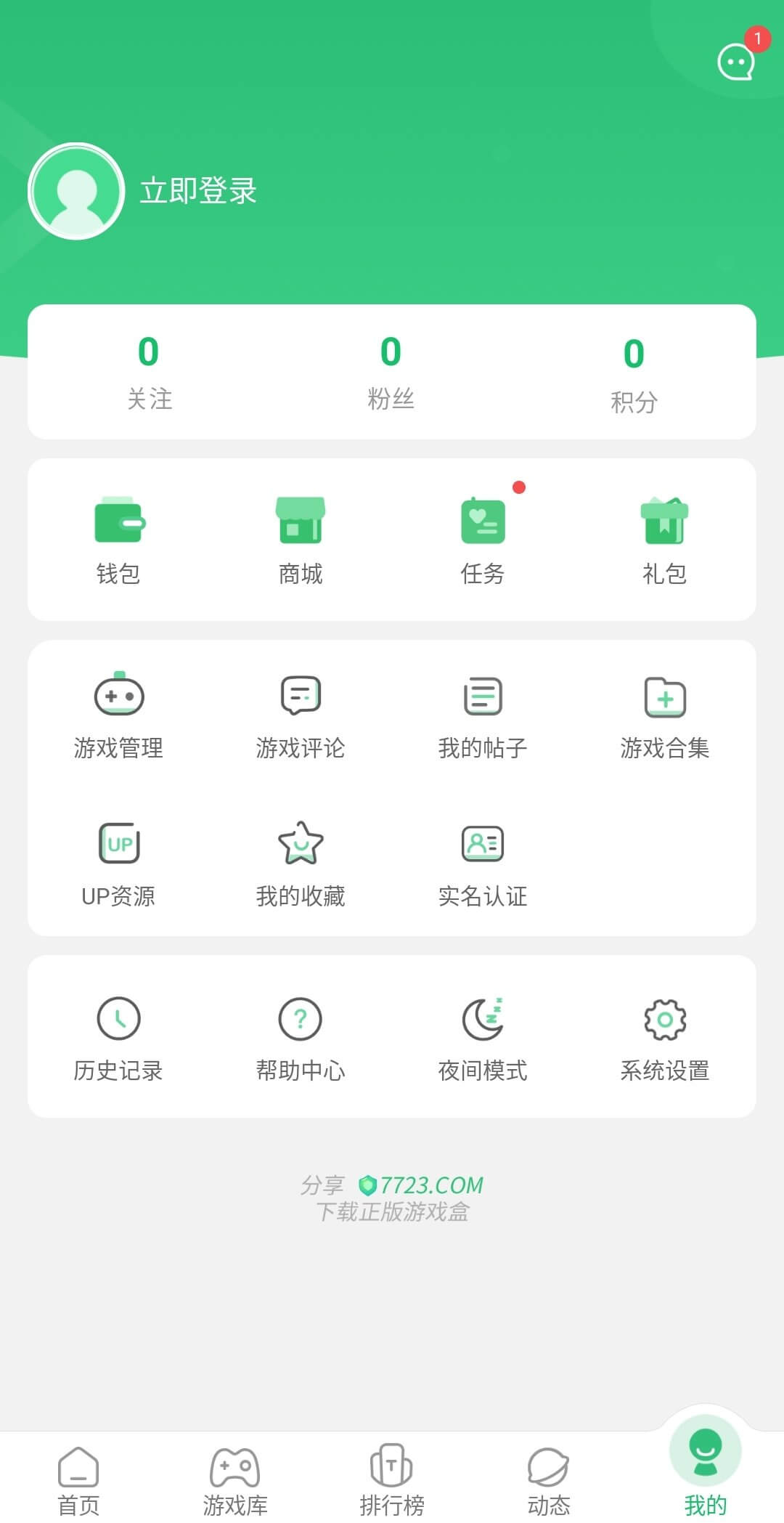
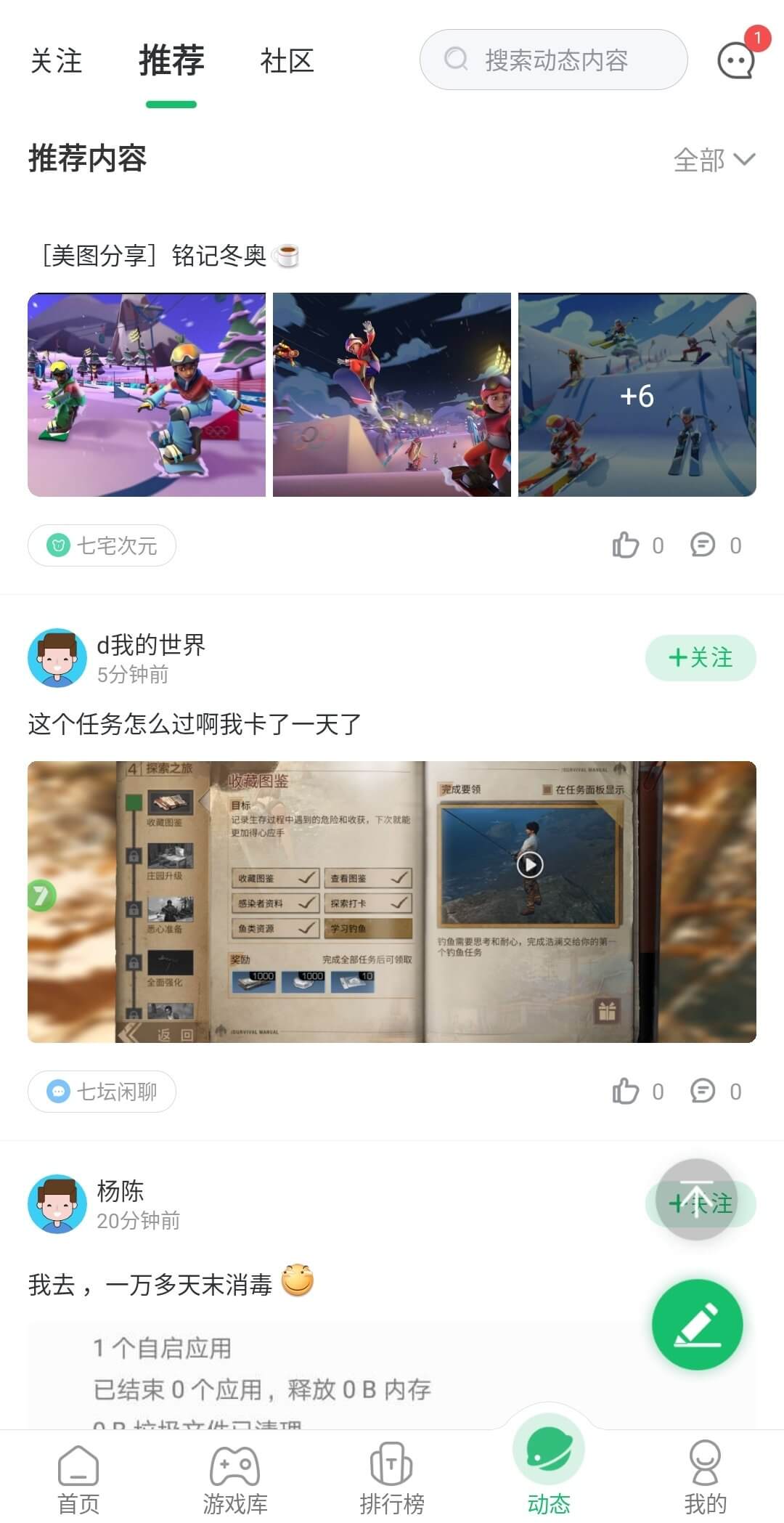
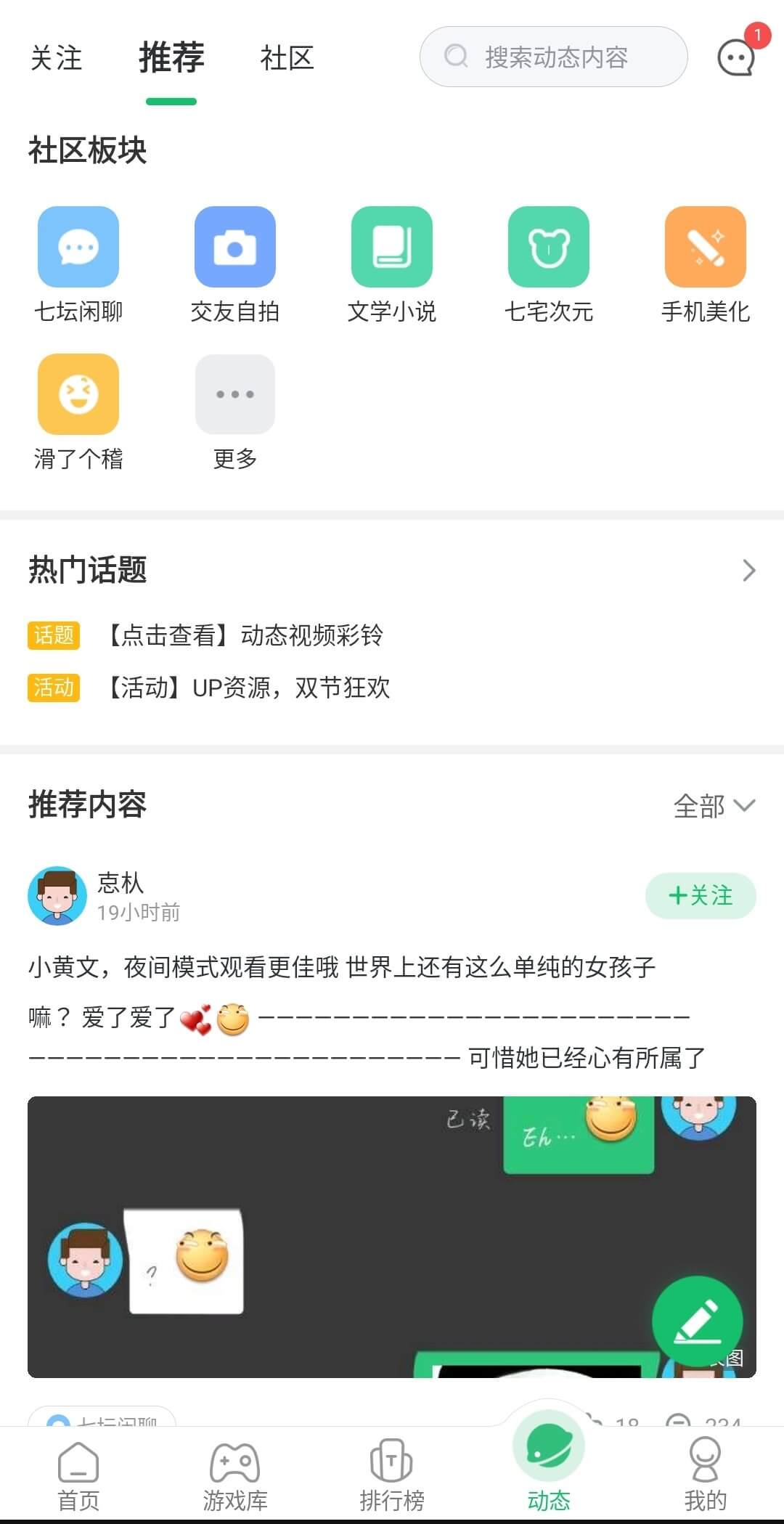
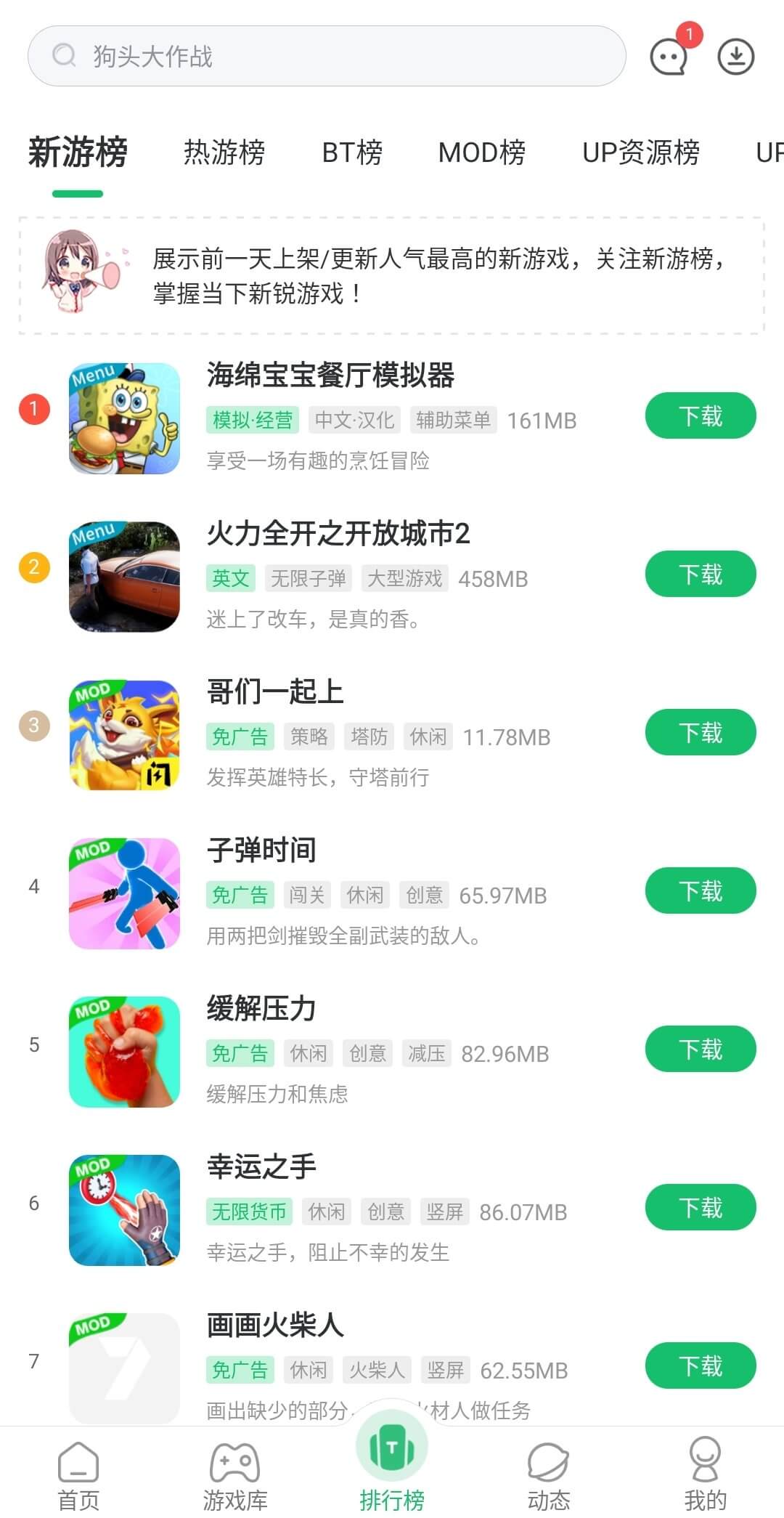
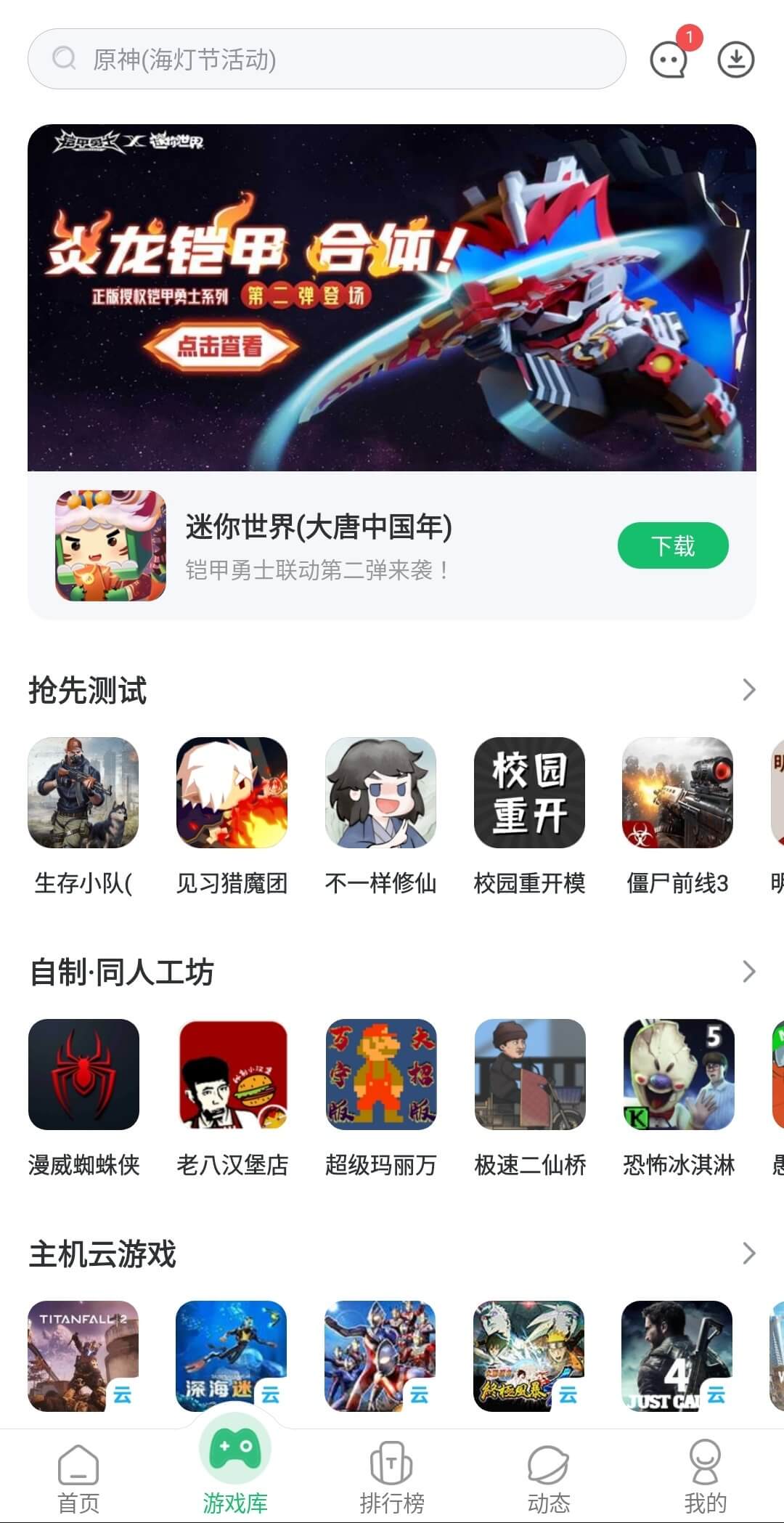
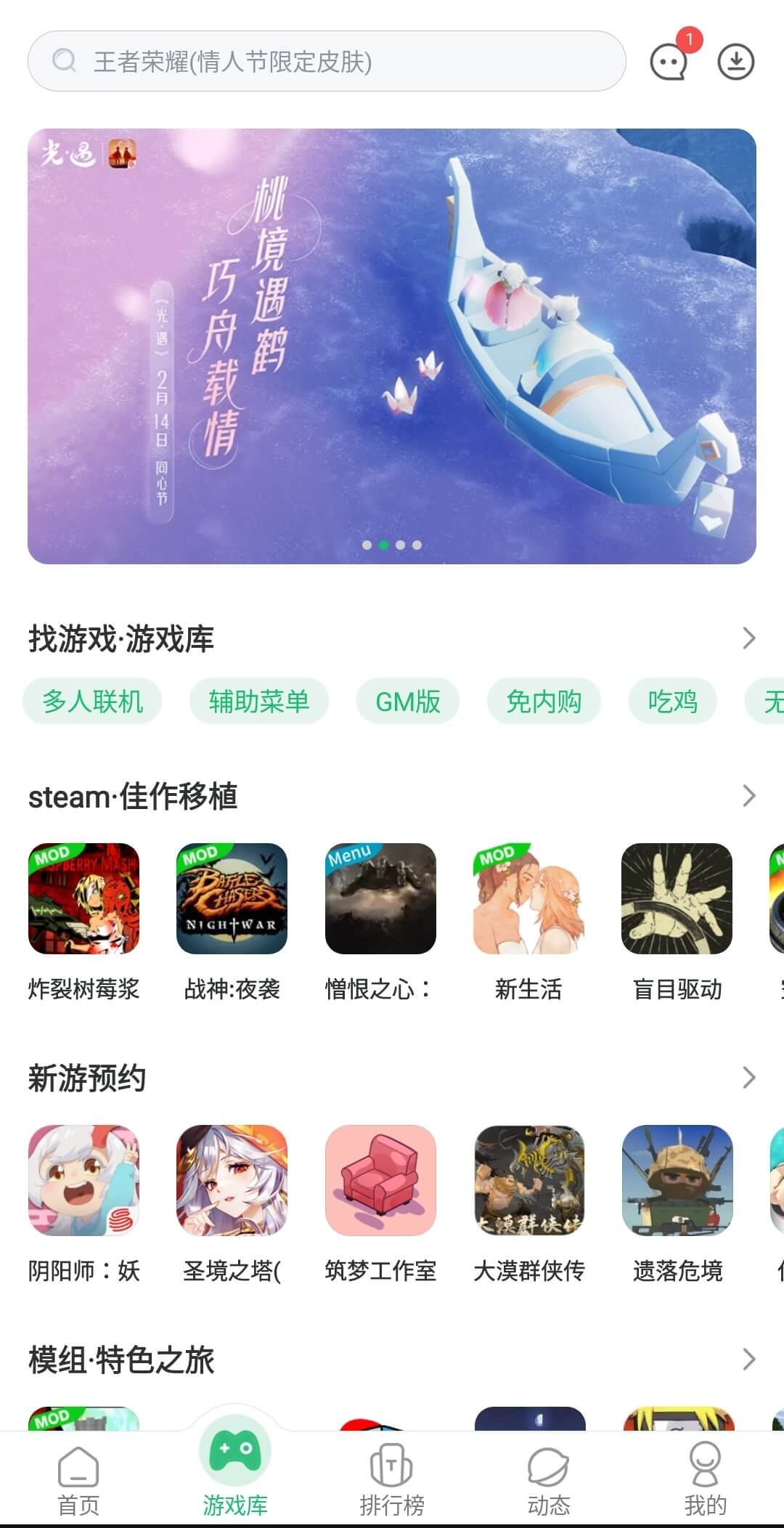

7723 Game Box is a compact Android app that gathers a wide selection of games into a single, easy‑to‑navigate library. Instead of hunting through multiple stores, you get a curated arcade‑style experience right on your device.
The app targets casual and avid gamers alike, offering titles across action, puzzle, strategy and more. It aims to let you start playing quickly, without the usual search overhead.
Quick Information
| App/Game Name | 7723 Game Box |
| Latest Version | 5.6.2 |
| Developer | Not listed |
| Category | Apps / Tools |
| App Size | 57.23 MB |
| Package Name | com.upgadata.up7723 |
| Last Updated | 14 January 2026 |
What Is 7723 Game Box?
7723 Game Box functions as a game launcher and repository. It presents a catalog of Android games that have been selected by a community of players. The core features include:
- Category‑based browsing (action, puzzle, adventure, etc.).
- One‑tap installation of the listed games.
- Basic information for each title, such as size and brief description.
The app does not host the games themselves; it redirects to the appropriate download sources. It is designed for users who want a single hub to discover and launch games without repeatedly opening different stores.
Compatibility
Compatibility
| Android Version | Not Verified |
| Architecture (ARM64 / 32-bit) | Not Verified |
| Internet Connection | ✓ Verified — May be required for ads, updates, or login |
| Storage Needed | Not Verified |
| OBB/Data Files | Not Verified |
| Root Required | Not Verified |
How to Install
- Enable installation from unknown sources in your device settings (Settings → Security → Allow unknown apps).
- Download the 7723 Game Box APK file to your device.
- Open the downloaded file and follow the on‑screen prompts to install.
- Once installed, launch the app and browse the game catalog.
Troubleshooting
- App not installed: Verify that the APK is complete and not corrupted. Re‑download if necessary.
- Crashes on startup: Clear app data (Settings → Apps → 7723 Game Box → Storage → Clear data) and try again.
- Games won’t download: Check your internet connection and ensure the external download links are still active.
- Permission issues: Grant storage permission when prompted; the app needs it to save game files.
Safety & Security
7723 Game Box is a third‑party application that aggregates links to other games. As with any APK from outside the official Play Store, you should:
- Download the file from a reputable source.
- Review the permissions requested during installation.
- Avoid entering personal or financial information within the app unless you trust the linked game sources.
- Keep the app updated; newer versions may address security or compatibility concerns.
How 7723 Game Box Compares
| Feature | 7723 Game Box | Google Play Games | TapTap |
|---|---|---|---|
| Price / Free model | Free | Free | Free |
| Platform availability | Android only | Android & iOS (via Google services) | Android only |
| Standout feature | Single‑app game catalog curated by gamers | Integrated achievements & cloud saves | Focus on indie and Asian titles, community reviews |
| Best for | Users who want a quick‑access game hub without browsing multiple stores | Players invested in Google Play ecosystem | Fans of indie and region‑specific games |
Alternatives
If 7723 Game Box doesn’t fit your needs, consider these well‑known options:
- Google Play Games – Official Google service offering game library, cloud saves, and social features.
- TapTap – A marketplace focused on indie and Asian games, with community ratings and direct downloads.
- Game Jolt – Platform for indie developers to share free games, with built‑in community and achievements.
- Aptoide – Alternative app store that includes a broad range of games and apps, allowing independent distribution.
Final Verdict
7723 Game Box provides a convenient, free gateway to a variety of Android games, ideal for users who prefer a single launcher over multiple store visits. It’s lightweight and straightforward, but because it redirects to external sources, the reliability of individual game links can vary. Verify the APK’s source, watch the permissions, and be prepared for occasional link updates. If you value a curated game hub and are comfortable with third‑party installations, it’s worth a try.
Frequently Asked Questions
The app itself is free, but because it is distributed outside the Play Store you should download it from a trusted source and review the permissions it requests.
The app lists no specific minimum, but it runs on most modern Android versions; ensure your device is running Android 5.0 or higher for best compatibility.
Yes, an internet connection is required to browse the game catalog and download the individual games.
The app redirects you to the appropriate download source for each game; you will need to confirm each installation separately.
No, installing 7723 Game Box does not affect games already installed on your device.
Updates to the app may replace the existing version, but they will not automatically uninstall the app unless the new version is incompatible with your device.
Root access is not required; the app works on standard, non‑rooted Android devices.
Yes, the app operates independently and does not interfere with the Play Store or its installed games.